Cricket
 Tennis
 Football
 Table Tennis
 Casino
 Volleyball
 Baseball
 Basketball
 Horse Racing
 Politics
 Greyhound Racing
 Binary
 Int Casino
 Sports Book
 Ice Hockey
 Darts
 Futsal
 Rugby
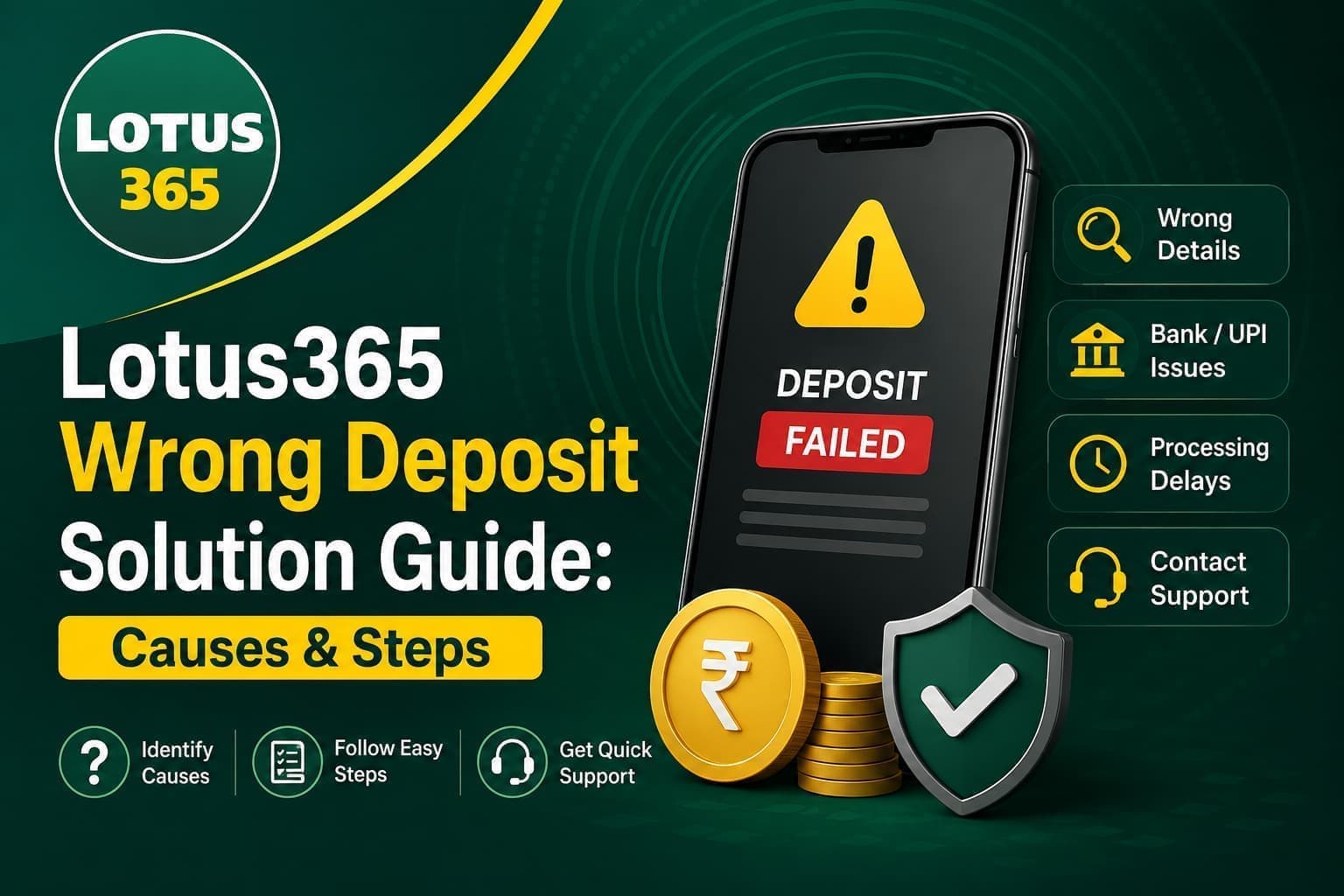
A Lotus365 wrong deposit can occur if a user submit incorrect information of payment, chooses the wrong payment option, submits an incorrect amount, or follows outdated transaction guidelines. Rapidly finding the problem and maintaining the necessary payment documentation can simplify the review process.
An incorrect deposit might require verifying the transaction status, confirming payment, reviewing account history, and examining the information provided during the payment procedure. Users need to refrain from making a new payment until the initial transaction has been properly reviewed.
This article explains frequent reasons, prompt actions, transaction checks, payment-security measures, and methods to prevent similar issues. Users should always check transaction details before finalizing a payment, whether using a Lotus365 login, handling a Lotus365 ID, or reviewing Lotus365 payment methods.
Payment methods and processes may differ, so users should follow the latest details shown in their account and relevant platform policies.
You can also check: Lotus365 Deposit Not Credited: Causes, Solutions & Guide
What Is a Wrong Deposit on Lotus365?
A wrong deposit in Lotus365 usually indicates a payment made with incorrect details, an unexpected amount, or an inappropriate payment method. The problem could pertain to account information, transaction identifiers, payment amounts, or additional data needed to complete the transaction.
An incorrect deposit does not automatically indicate that a payment has been permanently lost or unsuccessful. The result may vary based on the payment processor, transaction condition, account information, and relevant processing requirements. Users must initially examine the provided transaction details before proceeding with any actions.
Users should compare the payment confirmation with the transaction details displayed after their Lotus365 login when reviewing a deposit. Retaining the original receipt and transaction reference can assist when verifying the payment status or seeking necessary support.
Common Causes of a Lotus365 Wrong Deposit
Several mistakes can lead to an incorrect deposit in Lotus365. Recognizing potential causes can assist users in determining what should be examined before proceeding and minimize the chance of repeating the same mistake again.
Common causes include:
- Incorrect account or payment details
- Entering the wrong deposit amount
- Selecting an incorrect payment method
- Using outdated payment instructions
- Incorrect transaction reference
- Duplicate payment attempts
- Network interruptions during payment
- Payment-provider processing issues
- Failure to review the transaction before confirmation
Users should check the information shown in their account before finalizing any payment on Lotus365. Retaining a receipt or transaction reference can simplify the review of the Lotus365 deposit if an issue arises.
You can also check: Lotus365 Deposit Not Working – Common Causes and Troubleshooting Guide
Check Your Lotus365 Login and Transaction History
If you notice an incorrect deposit on Lotus365, begin by logging into your account securely and checking the transaction history. This can assist in identifying if the payment is pending, finished, failed, or recorded incorrectly..
Carefully review the transaction details alongside your payment confirmation to identify any differences prior to proceeding.
Check:
- Transaction status
- Deposit amount
- Payment method
- Transaction reference
- Date and time
- Account balance
- Payment confirmation
Avoid submitting an additional Lotus365 deposit if the initial transaction remains pending. Verifying the current transaction initially can assist in avoiding duplicate payment entries.
You can also check: Lotus365 Login Guide for Beginners: Access, Security & Tips

Verify Your Lotus365 Payment Method
A wrong deposit can happen if an invalid or unsupported payment method is utilized. Examining the payment method promptly can help in determining if the problem relates to the chosen option or transaction information.
Before proceeding, verify that the payment details utilized in the transaction match the current instructions displayed in your account. This can assist in avoiding another erroneous Lotus365 deposit.
Examine the payment methods for Lotus365 shown in your account and compare them with the method utilized for the transaction.
Confirm:
- Selected payment method
- Payment or recipient details
- Deposit amount
- Transaction reference
- Current payment instructions
- Applicable transaction conditions
Refrain from depending on payment directions from unverified sources. Current information available through your Lotus365 login should be prioritized.
You can also check: Payment Methods of Lotus365: Complete Guide
What to Do After a Lotus365 Wrong Deposit
Once you identify a Lotus365 incorrect deposit, stay alert and refrain from making further payments until the initial transaction is thoroughly evaluated. Safeguarding the payment receipt, reference number, and confirmation information can assist in verifying the transaction.
A practical approach is to:
- Review the transaction history.
- Confirm the payment amount and method.
- Check the transaction reference.
- Compare the payment with current account instructions.
- Avoid duplicate payment attempts.
- Use the appropriate official support option if clarification is required.
When contacting support about a Lotus365 deposit, include only the details needed to identify the transaction. Do not disclose your password or verification codes.
Lotus365 Deposit Completed but Recorded Incorrectly
Sometimes a payment provider might indicate that a transaction is finished, even though the Lotus365 account does not display the expected amount or status. This may happen due to delays in processing, verification, reconciliation, or account updates.
If a wrong deposit from Lotus365 is noticed after a payment is finalized, start by checking your Lotus365 account, transaction log, receipt, and payment reference. Verify the payment confirmation against the details displayed in your account to spot any differences.
Do not make another deposit to Lotus365 just because the account balance hasn’t been updated immediately. Maintaining accurate transaction records can simplify the process of tracing the initial payment and provide the necessary details if clarification is needed.
You can also check: How to Deposit Money into a Lotus365 Account
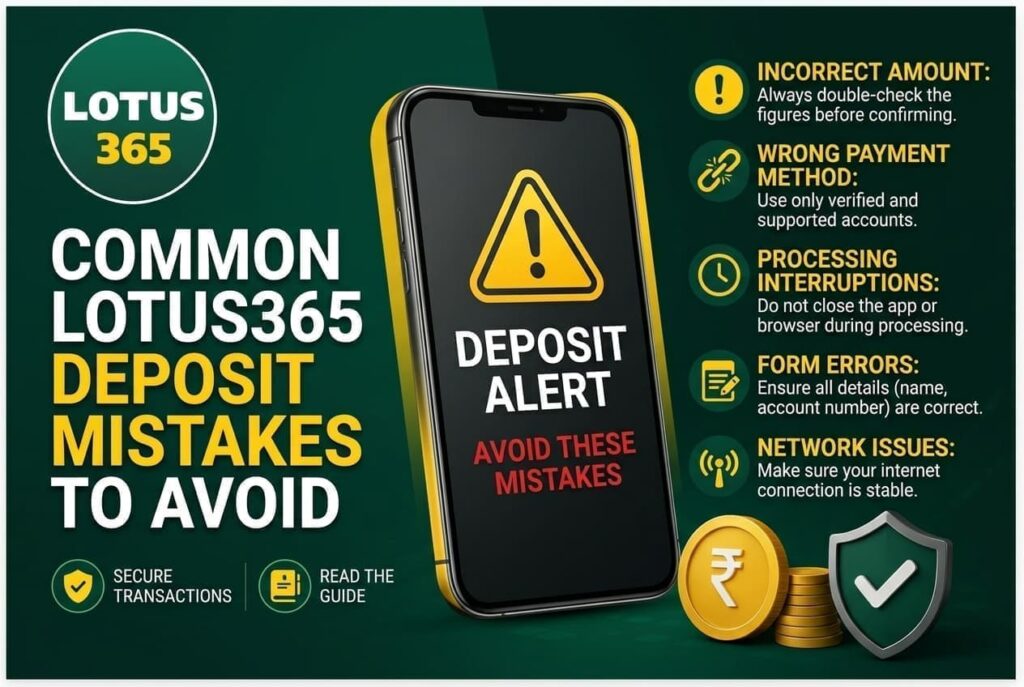
Common Lotus365 Deposit Mistakes to Avoid
Avoidable mistakes can raise the chance of an incorrect deposit in Lotus365 or complicate the review of a current transaction. Pausing to check the payment details prior to confirmation can help reduce unnecessary issues.
Common mistakes include:
- Entering incorrect payment details
- Using outdated payment instructions
- Sending the wrong amount
- Selecting an unsupported payment method
- Repeating a pending transaction
- Ignoring the transaction reference
- Using unofficial payment links
- Sharing your Lotus365 ID
Thoroughly checking details prior to finalizing a Lotus365 payment can minimize frequent transaction mistakes.
Lotus365 Login and Account Security
A secure Lotus365 login is crucial for handling deposits and examining transaction details. Securing account access can also minimize the chance of unauthorized actions while reviewing payment records or account information.
Users must exercise caution when getting unexpected payment requests or login notifications. Always ensure that account access is occurring via the correct source before submitting sensitive information.
Recommended practices include:
- Keep your Lotus365 ID private.
- Use a strong, unique password.
- Never share verification codes.
- Avoid suspicious login links.
- Use trusted devices and networks.
- Log out from shared devices.
- Monitor account activity regularly.
- Keep payment confirmations secure.
Good security practices can help protect both your Lotus365 account and payment-related information.
You can also check: Protecting Your Lotus365 Account: Security Tips
When to Contact Lotus365 Support
If a wrong deposit in Lotus365 is still unresolved after reviewing the transaction history and payment records, use the official customer support feature accessible via your account. Providing specific transaction information can assist the right support team in locating the payment more effectively.
Keep relevant information ready, such as:
- Transaction reference
- Payment amount
- Payment method
- Transaction date
- Confirmation receipt
- Relevant account information
Do not share your password, PIN, or verification codes with anyone who says they are providing support.
You can also check: Lotus365 ID Support: Account Help and Troubleshooting Guide
Conclusion
A Lotus365 incorrect deposit can occur due to incorrect payment information, incorrect amounts, inappropriate payment methods, outdated guidelines, duplicate transactions, or problems with payment processing. Examining your Lotus365 login, transaction history, payment reference, and confirmation details is a helpful initial step when evaluating the problem.
Users need to refrain from making duplicate payments while a prior transaction is awaiting processing and must ensure their Lotus365 ID and account information are kept safe. Utilizing the existing Lotus365 payment options and guidelines available in the account can also assist in minimizing frequent transaction mistakes.
If the Lotus365 deposit problem persists after examining the available documentation, users may utilize the appropriate official support channel and submit the necessary transaction details, ensuring not to disclose passwords, PINs, or verification codes.
FAQs About Lotus365 Wrong Deposit
What should I do if I make a wrong Lotus365 deposit?
First, check your Lotus365 login, transaction history, payment details, and confirmation receipt. Avoid making another payment until the original transaction status is clear.
Can a wrong Lotus365 deposit be corrected?
The available resolution can depend on the payment status, method used, and applicable platform conditions. Keep the transaction reference and contact the appropriate official support channel if necessary.
Why is my Lotus365 deposit showing the wrong amount?
This may result from entering an incorrect amount, a payment-processing issue, or a difference between the payment record and account status. Check the transaction details and receipt.
What information is needed for a Lotus365 deposit issue?
A transaction reference, payment amount, payment method, transaction date, and confirmation receipt may help identify the Lotus365 deposit. Do not provide passwords or verification codes.
Should I make another Lotus365 deposit if the first one is wrong?
No. If the original transaction is pending or unclear, avoid submitting another Lotus365 deposit until its status has been verified.
How can I prevent a Lotus365 wrong deposit?
Review the Lotus365 payment methods, payment instructions, amount, account details, and transaction reference before confirming each payment. Keeping your Lotus365 ID secure is also important.
You Can Also Explore:
Lotus365 Deposit Not Credited: Causes, Solutions & Guide
Lotus365 Deposit Not Working – Common Causes and Troubleshooting Guide